Finds your documents
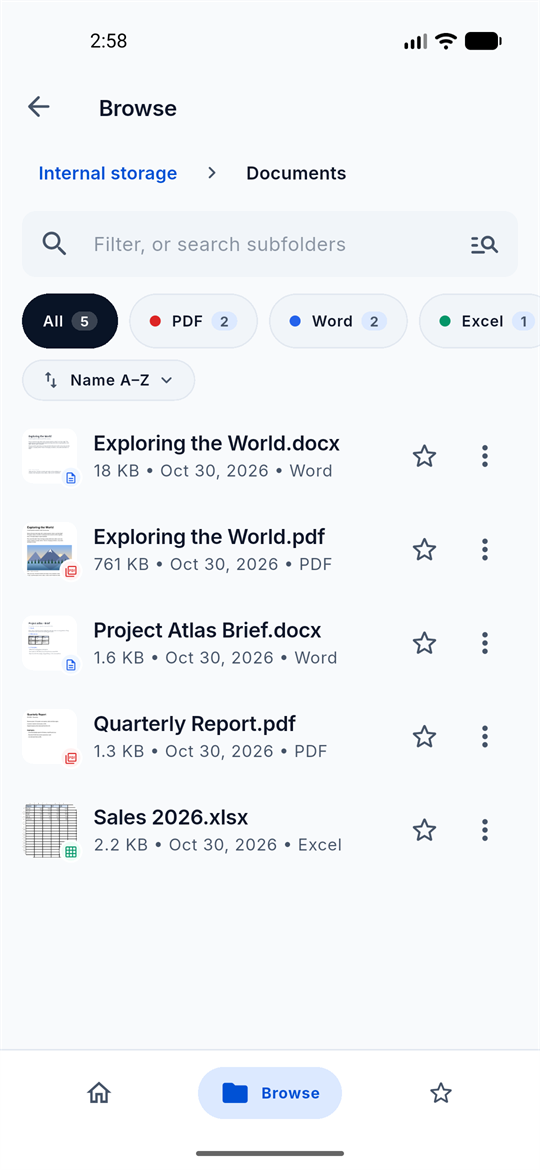
Browse your storage, filter by PDF, Word or Excel, and pick up where you left off from Home. Favorites stay one tap away.
 PDF.pdf
 Word.docx
 Excel.xlsx
 PowerPoint.pptx
 CSV.csv
 Markdown.md
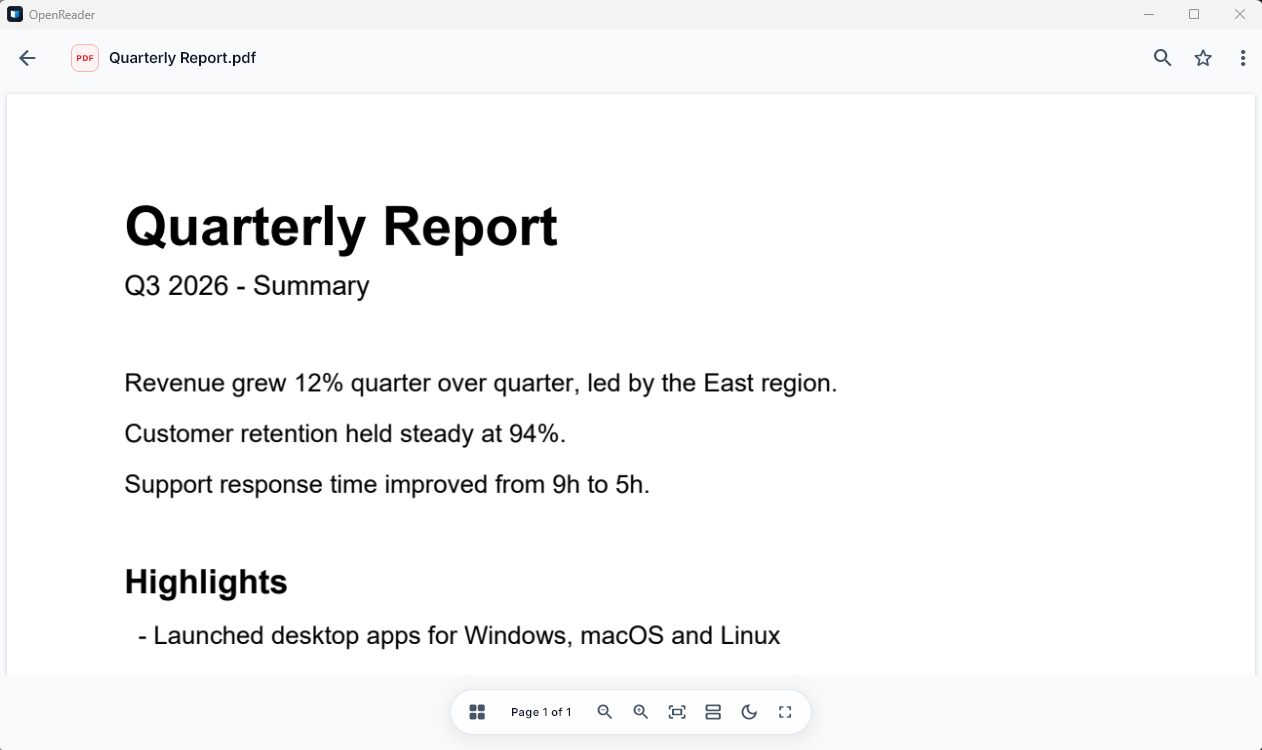
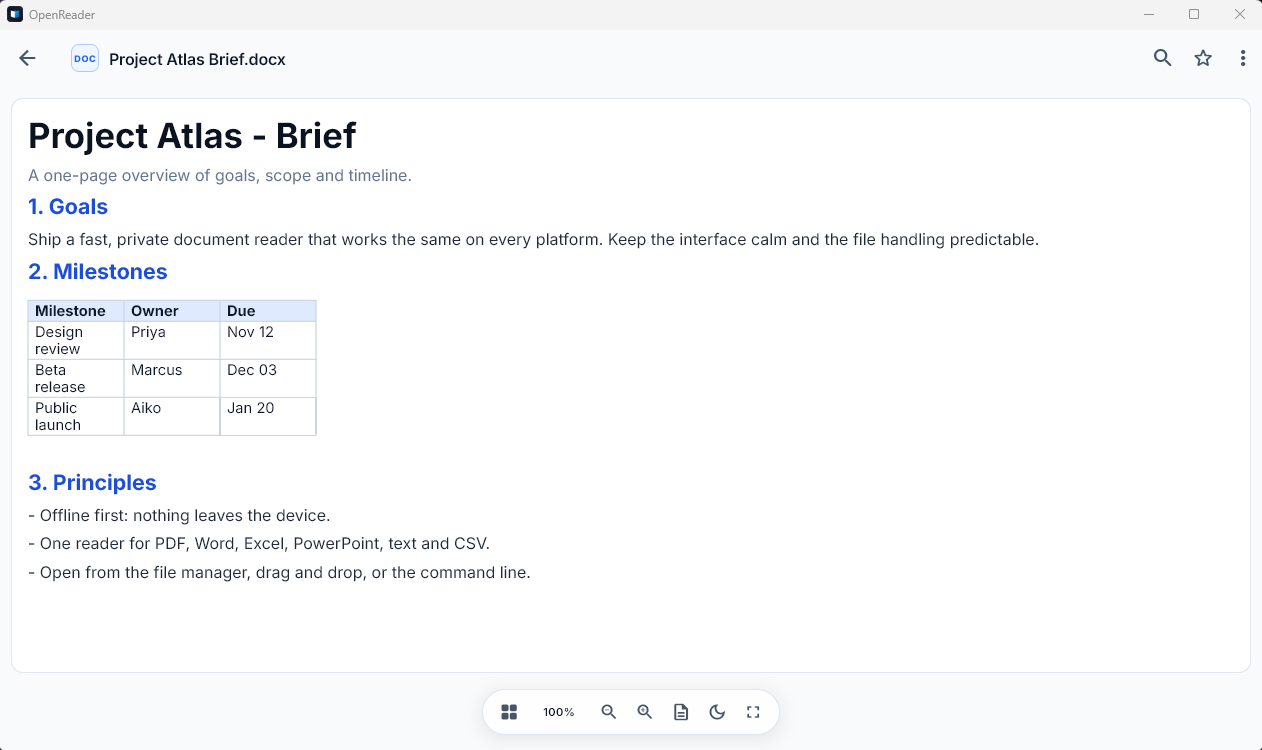
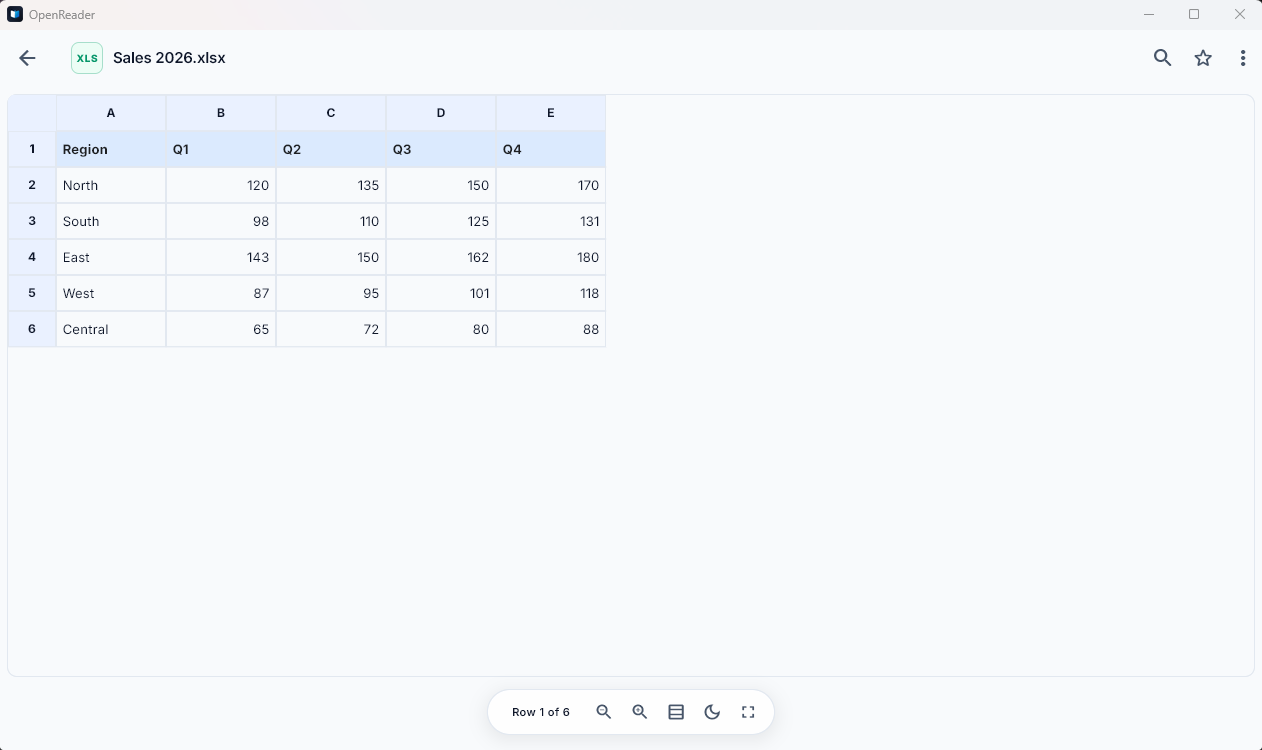
Pick a file type and see how OpenReader opens it.
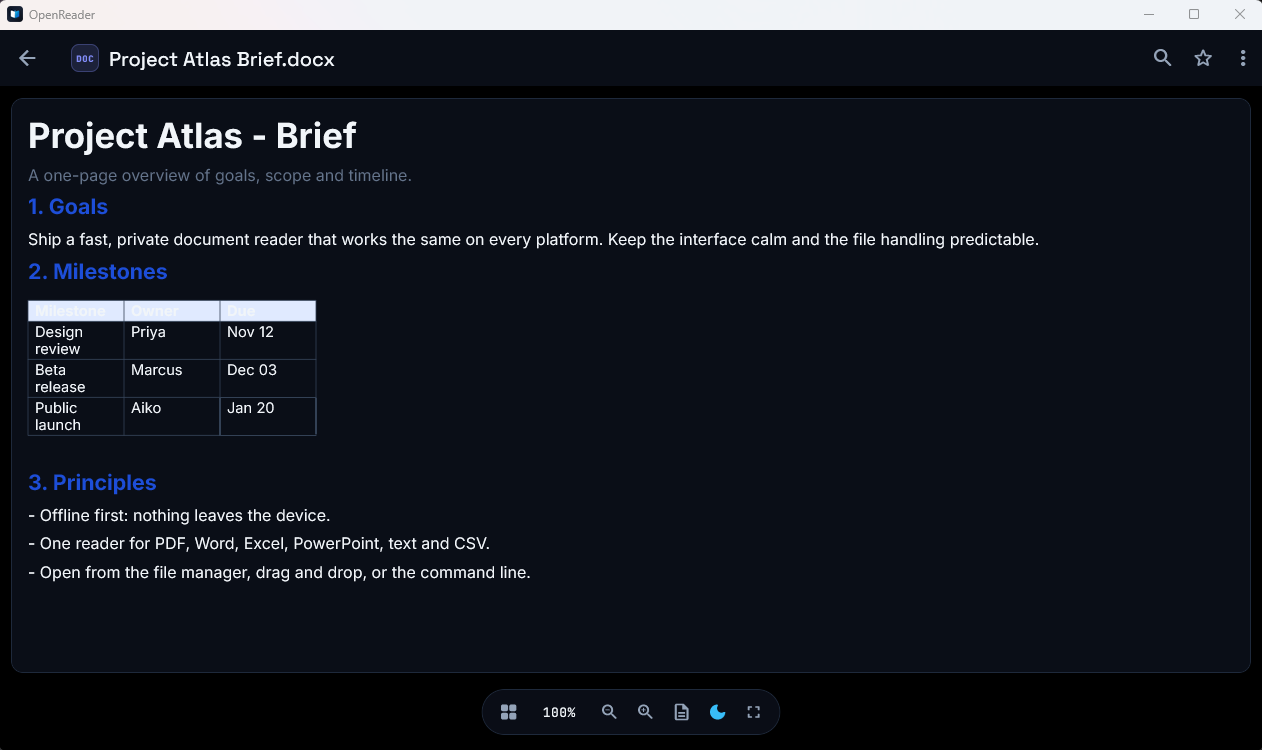
Desktop captures from the Windows build.
Browse your storage, filter by PDF, Word or Excel, and pick up where you left off from Home. Favorites stay one tap away.
One search box across the file names and text of everything you have opened, in every format.
Reading late? Switch the page to dark without touching the file.
OpenReader makes no network calls, so it works on a plane.
Install it and open a file. There is nothing to sign up for.
Read the code, report a bug or send a fix on GitHub.
OpenReader registers itself with your file manager, so any supported document opens in one click — and each type keeps its own recognisable icon.
Free on every platform. Desktop builds are attached to each GitHub release.
irm https://raw.githubusercontent.com/macdipu/OpenReader/main/install.ps1 | iexOpenReader is not code-signed yet, so Windows SmartScreen may ask you to confirm. Choose More info, then Run anyway. Compare the file with the SHA-256 checksum listed above before you run it.
.dmg and drag OpenReader onto Applicationscurl -fsSL https://raw.githubusercontent.com/macdipu/OpenReader/main/install.sh | sh.deb for Ubuntu, Debian and Mint; .rpm for Fedora, RHEL and openSUSEAppImage: make it executable and run itlibgtk-3 and libsecret (the packages pull them in)curl -fsSL https://raw.githubusercontent.com/macdipu/OpenReader/main/install.sh | shiOS is coming soon. Step-by-step install and update instructions are in the README.
Every published release, newest first.
No servers, no accounts, no analytics. Files are read and indexed locally.
Yes. There are no ads, subscriptions or in-app purchases, and you never need to register.
Always. OpenReader makes no network calls, so everything works without a connection.
PDF, Word (.docx), Excel (.xlsx), PowerPoint (.pptx), CSV, Markdown and plain text. Legacy binary .doc, .xls and .ppt files are not supported.
Android phones, tablets and foldables, plus Windows, macOS and Linux computers. iOS is coming soon.
No. Files are read and indexed on your device and never leave it.
Desktop builds are not code-signed yet. On Windows choose “More info”, then “Run anyway”. On macOS right-click the app and choose Open the first time.
On GitHub. Issues and pull requests are welcome.